
Google Gemini vs ChatGPT: 5 Reasons Why I Prefer Gemini
The following article explains why I switched to Google Gemini vs ChatGPT for most of my daily AI workflows, and the five specific reasons that drove that shift.
Google Gemini vs ChatGPT in 2026: What Actually Changed
Most AI comparison articles read like spec sheets. This one doesn't. I'm still paying for ChatGPT Plus. I use ChatGPT at least once a day. So when I say Gemini has become my default, that's not hype. Gemini 3 changed that.
Reason 1: Content Creation (Images, Video, Infographics)
The biggest shift for me came from Nano Banana Pro inside Gemini. Before Gemini 3, AI image generation was mostly fine for generic visuals. Text in images was a mess. Infographics with actual data looked broken.
Nano Banana Pro fixed that. I've created full infographics for clients with dense text, branded colors, and accurate icons, and I haven't found a single text error. That's a first in my experience with AI image tools.
Real example: I generated an infographic for a client in cybersecurity on age verification laws. One prompt, logo uploaded, zero text errors, and on brand. I did the same for my personal brand using a LinkedIn post as source material. The output looked like something a designer spent an hour on.
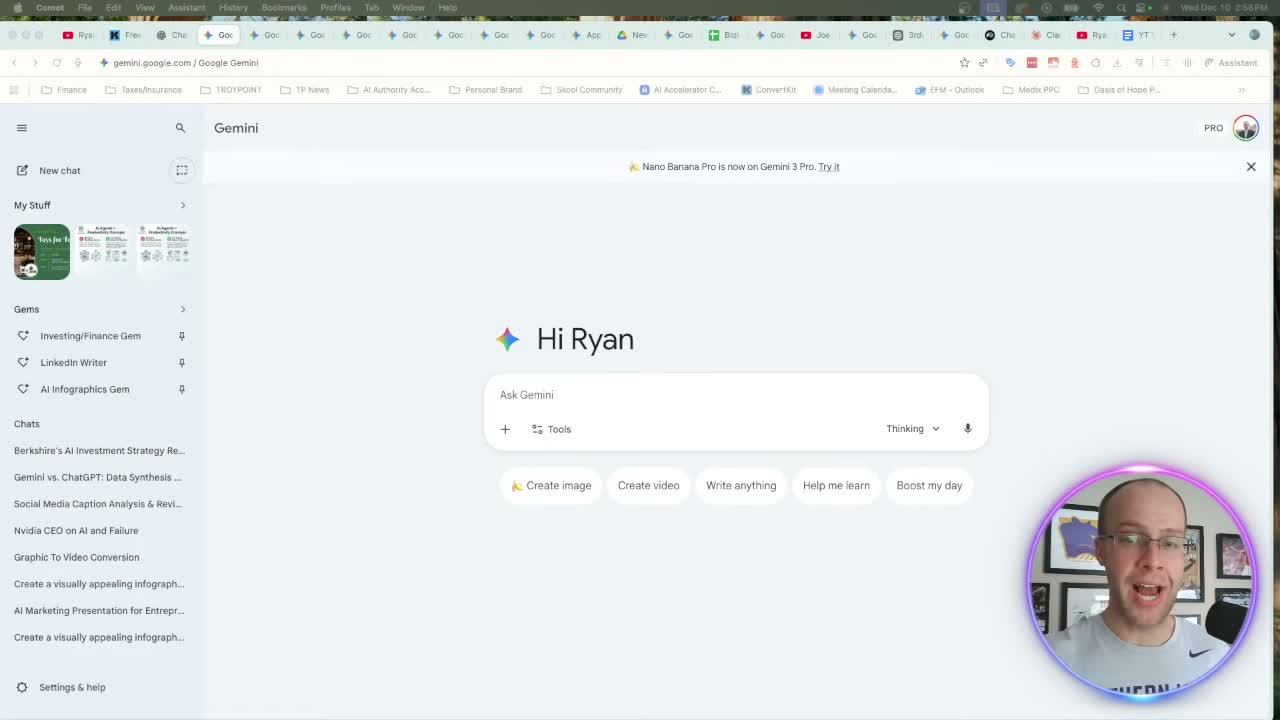
Beyond images, Google VO 3.1 is now inside Gemini. Take a Nano Banana image and convert it to a short video clip directly in the interface. It takes about 60 seconds. A subtle animated post performs better than a static one. That's worth the $20/month for Google AI Pro on its own. The free Gemini account gives you Nano Banana Pro. VO 3.1 requires upgrading.
Reason 2: Research Quality with Gemini 3
You've probably heard that GPT 5.1 thinking mode is solid for research. It is. But after running the same prompts through both, Gemini 3 consistently gives me more current, more structured output.
The reason is infrastructure. Google has real-time access to its search index, YouTube's transcript library, and Google Scholar. When I ask Gemini to research Warren Buffett's latest energy plays, it pulls from earnings calls and financial data indexed hours ago. ChatGPT works from a training cutoff.
I ran that exact prompt. Gemini returned a structured "Power Stack Portfolio" with company analysis and an Export to Google Sheets option. ChatGPT gave me a generic overview.
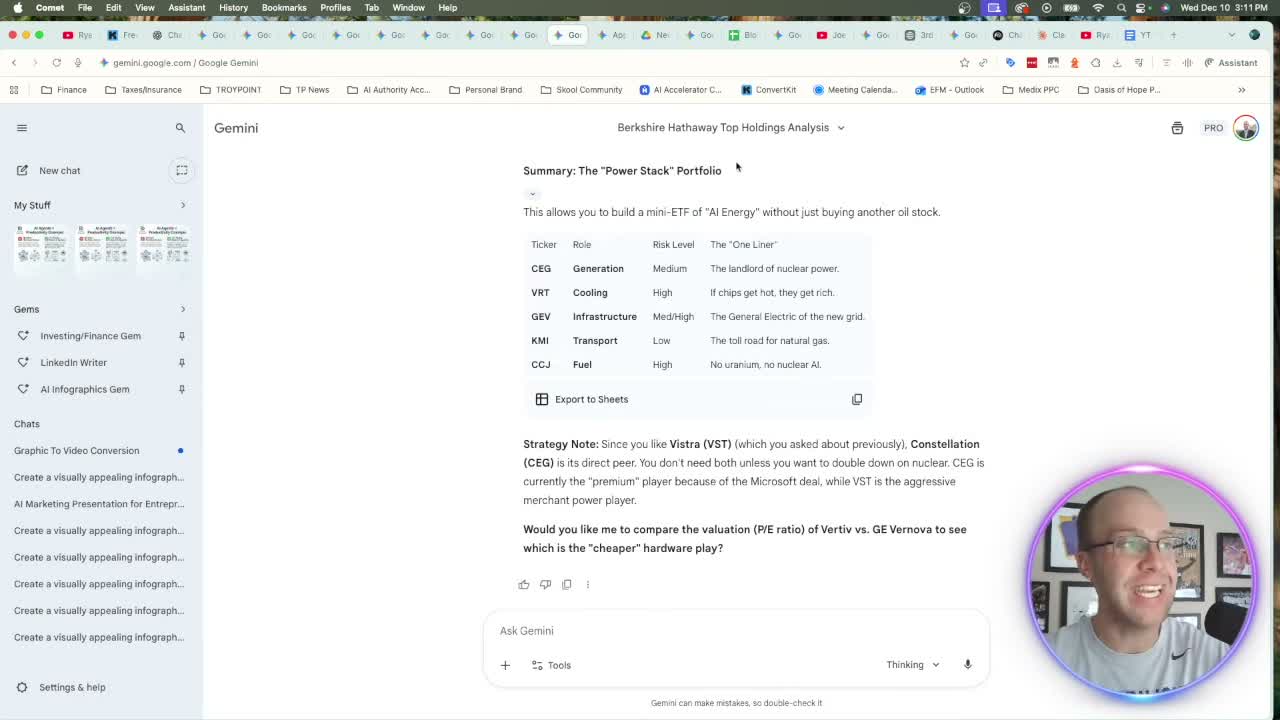
One note: toggle "Thinking with 3 Pro" on for serious research prompts. Surface-level questions don't need it. Anything requiring synthesis across multiple sources does.
Reason 3: Native Google Workspace Integration
This one is practical, not flashy. ChatGPT has third-party connectors for Google Drive, Gmail, and Google Calendar. They work, mostly. But there's a data question attached to every connection you make with a third-party AI.
Gemini's integration is native. Google already has your data. I'd rather use it in their ecosystem than give OpenAI access to my Gmail and Drive files.
In practice: I have a Google Drive folder with video transcript files. Instead of opening each file and copying transcripts, I drop the folder URL into Gemini and ask it to repurpose everything into social posts. One prompt, one URL, done.
Same with Google Sheets. I paste the URL of my content calendar and ask Gemini to analyze captions and suggest improvements. It reads live sheet data. No copy-paste.
The Google Workspace integration covers Slides, Docs, and Drive. As it expands into Maps and YouTube history, the use cases will only grow.
Reason 4: Data Extraction and Summarization
ChatGPT can't natively read a YouTube URL. You copy the transcript, paste it, then ask your question. That adds two minutes to every research task.
In Gemini, you paste the YouTube URL directly. I dropped a 2.5-hour Joe Rogan interview with the Nvidia CEO into Gemini and got three timestamped takeaways in under 30 seconds. The same works with PDFs. A 60-page earnings report becomes a structured summary in about the same time.
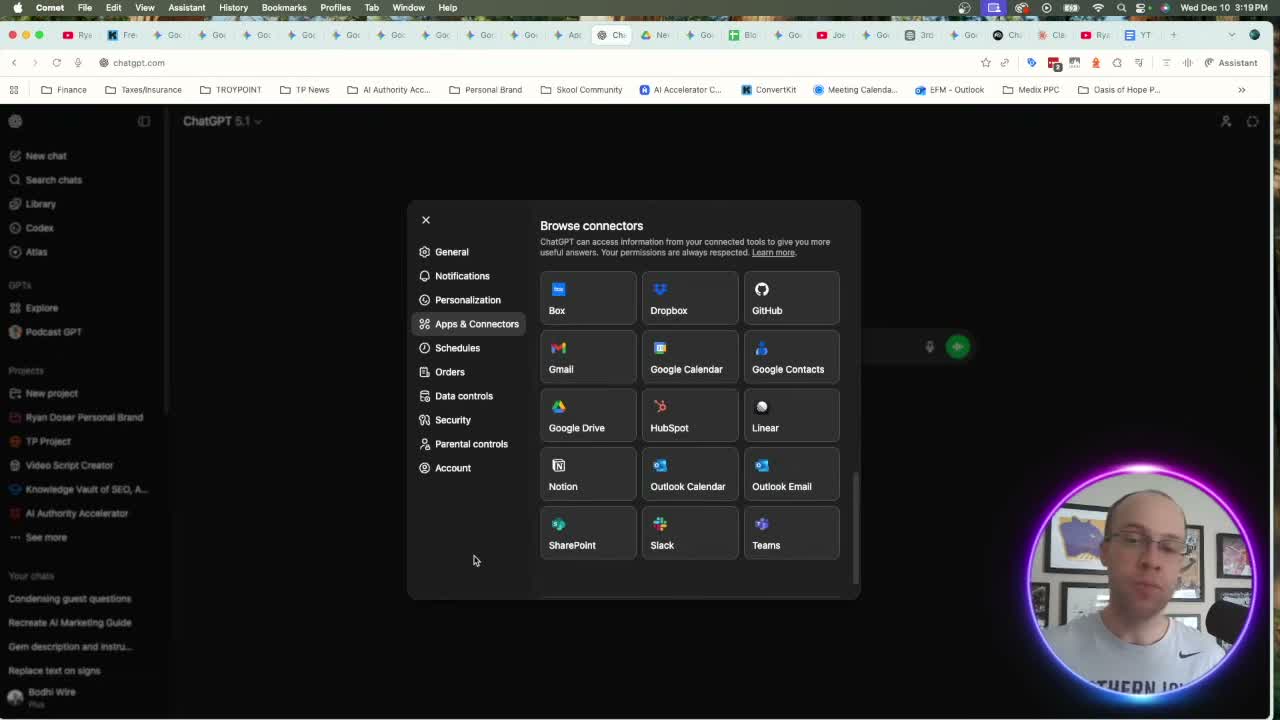
According to Google's Gemini API documentation, Gemini 3 Pro supports a 1 million token context window. ChatGPT's paid tier tops out around 128K. That gap explains why long-document extraction performs so differently between the two.
Reason 5: Google's Long-Term Data Advantage
This one is about where this is heading. VO 3.1 is the best AI video model I've tested. Google has YouTube at its disposal. Billions of hours of training data. No one else has that.
Same logic applies to images. Nano Banana Pro leads the market now. Google's image training data, sourced from its search index, compounds that advantage over time. For research, they have Google Search and Google Scholar.
Microsoft and Meta compete on compute. Google's data moat is a different category. Unless they self-sabotage, the trajectory points up. That's why I'm investing time in Gemini now.
Final Thoughts from Ryan
Not canceling ChatGPT Plus. GPT 5.1 is still solid for writing. Claude Pro leads on long-form.
For content creation, research, and data work, I'm defaulting to Gemini 3. The Google integration, 1M token context, Nano Banana Pro, and real-time search data push it ahead. Same $20/month. Test it for a month.
Google Gemini vs ChatGPT FAQs
Is Google Gemini better than ChatGPT in 2026?
For content creation, research, and data extraction, Gemini 3 is the stronger choice. The native Google Workspace integration, real-time search, and Nano Banana Pro image model pull it ahead. ChatGPT still leads in creative writing and structured reasoning.
Can Gemini read YouTube videos without copying the transcript?
Yes. Paste a YouTube URL directly into Gemini and it reads the transcript natively. ChatGPT requires you to copy and paste the transcript manually before it can process the content.
Is Google AI Pro worth $20 a month?
Both plans cost $20/month. Google AI Pro includes Gemini 3, Nano Banana Pro, VO 3.1, 2TB of Google One storage, and expanded NotebookLM access. For content creators, that bundle is hard to match at the same price.
Why does Gemini give better research results than ChatGPT?
Gemini pulls from Google's real-time search index, YouTube's transcript library, and Google Scholar. ChatGPT uses a fixed training cutoff. For time-sensitive topics like earnings reports or recent news, live data is a consistent edge.
What is Nano Banana Pro?
Nano Banana Pro is Google's AI image model built into Gemini 3. It generates infographics and branded visuals with accurate text. Prior AI image models handled text poorly. That improvement is the main reason I moved visual content creation into the Gemini ecosystem.