
8 Best Claude Skills for Marketers in 2026 (Ranked)
The best Claude skills for marketers in 2026 start with Skill Creator, Anthropic's document skills and Corey Haines' Marketing Skills, even though 7 of the 12 AI answers I pulled on November 4 pointed at developer tools. Below are all eight, with what each costs, which ones I've run, and why my own skills no longer sit in the ranking.
The Best Claude Skills at a Glance
The "AI answers" column counts how many of 12 web-search answers named each skill: three prompts each on ChatGPT, Claude, Gemini and Perplexity, run November 4, 2026, the same day I checked every price and GitHub figure below.
| Skill | Best for | Cost | AI answers (of 12) | My experience |
|---|---|---|---|---|
| Skill Creator (Anthropic) | Turning a task you repeat into your own skill | Free | 4 | Researched (my own Skill Creator is a separate skill) |
| Document skills (Anthropic) | Getting finished Word, Excel, PowerPoint and PDF files out of Claude | Free, built into every Claude plan | 8 | Researched |
| Marketing Skills (Corey Haines) | Copy, CRO, SEO and ads playbooks in one free library | Free, MIT license | 3 | Ran it on my own site |
| Frontend Design (Anthropic) | Landing pages that don't look AI-built | Free | 7 | I use it on site redesigns |
| Humanizer (Siqi Chen) | Cleaning AI tells out of drafts before they ship | Free, MIT license | 2 | Ran it once, side by side with my own Anti-Slop skill |
| Grill Me (Matt Pocock) | Pressure-testing a plan, brief or offer before you build it | Free, MIT license | 3 | Researched |
| Superpowers (Jesse Vincent) | Building software or internal tools with Claude Code | Free, MIT license | 8 | Researched |
| Firecrawl | Live web research and competitor pages inside Claude | Free plan with 1,000 credits a month, then from $19 a month | 1 | Researched |
Why Most "Best Claude Skills" Lists Don't Fit Marketers
A Claude skill is an SOP for AI. It's a folder with a SKILL.md file (plus any scripts or examples it needs) that teaches Claude one job, step by step, so it follows your process instead of guessing.
Search for the best Claude Code skills and most of page one is written by developers for developers. Test-driven development, React best practices, code simplifiers. Good skills. They just won't write your campaign brief or fix your landing page.
The AI answers only switched to marketing skills when my question said "marketer."
So I ranked these on three things: how often the AI answers named the skill, whether it does a job a marketer actually has, and what it costs to run. Superpowers tied for the most mentions and still lands at #7, because it's built for shipping software. It stays on the list for marketers who build their own tools, which is the one exception to leaving developer skills out.
A skill is the playbook. An MCP server is the connection to an outside app. A plugin is a bundle that can install skills, commands and connections in one go. In Claude.ai, an MCP server shows up as a connector.
My breakdown of Claude Skills vs agents vs MCP covers how skills and MCP servers differ. The plugin side lives in my list of the best Claude Code plugins for marketers, and I ranked the best Claude connectors separately.
The Best Claude Skills in 2026, Ranked
Each card says plainly whether I've run the skill or researched it from its repo and docs. If you've never built a skill before, read four ways to create Claude Skills after this list.
1. Skill Creator (Best for Building Your Own Skills)
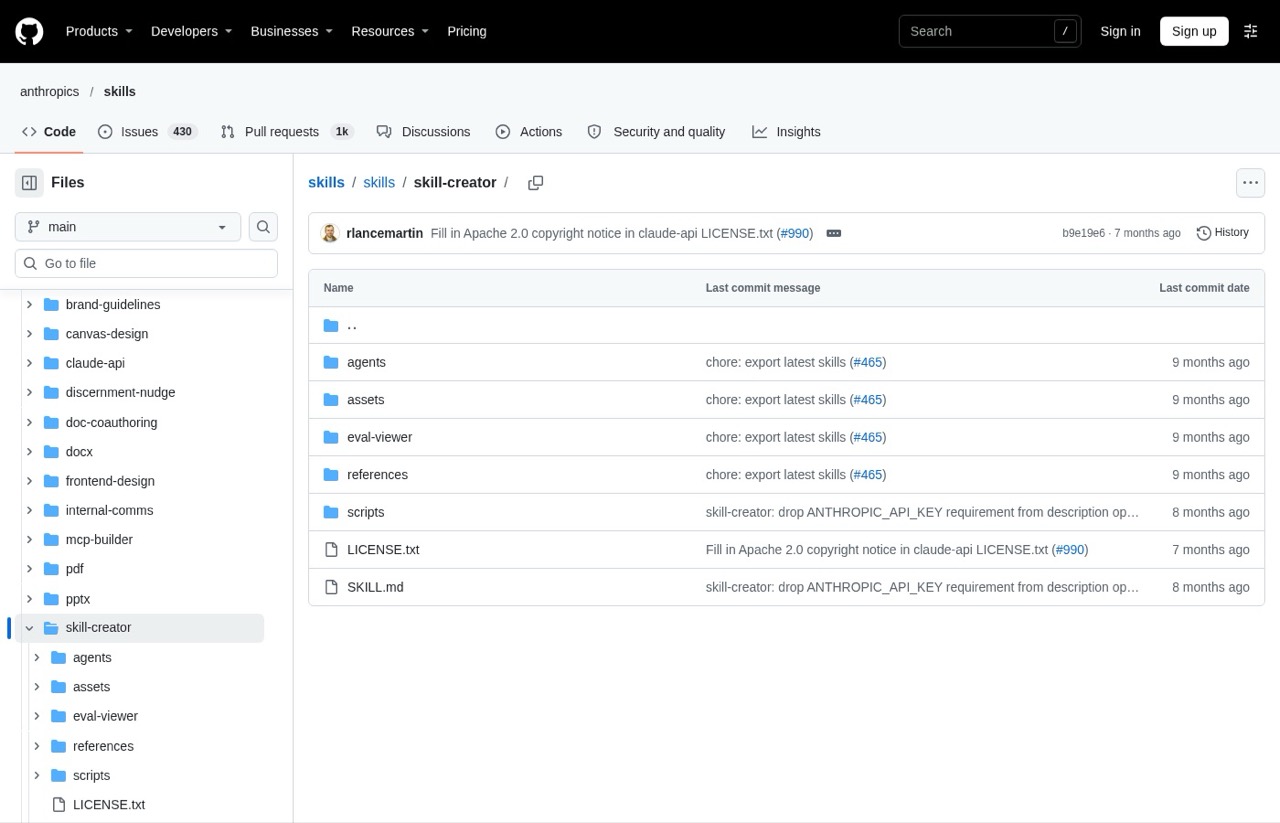
This is the skill that builds other skills. You describe a job you keep repeating, and it interviews you, drafts the SKILL.md, writes test prompts, runs them and helps you tighten the result.
Pros:
- Writes the file for you, so you don't have to learn the formatting rules
- Builds in testing: it runs your draft skill against sample prompts and lets you compare results
- Maintained by Anthropic in its public skills repository
Cons:
- The output is only as good as the process you describe. Vague in, vague skill out
- Its full test-and-compare loop is likely overkill for a short, simple skill
Best for: Anyone with one task they do every week the same way.
Pricing: Free.
Free trial: Not needed, it's free.
Install: In Claude Code: /plugin install skill-creator@claude-plugins-official, or turn on Anthropic's example skills in Claude.ai under Customize, then Skills.
Bottom line: Install this first. Once you can build your own skills, the rest of this list makes more sense.
2. Anthropic Document Skills (Best for Finished Files)
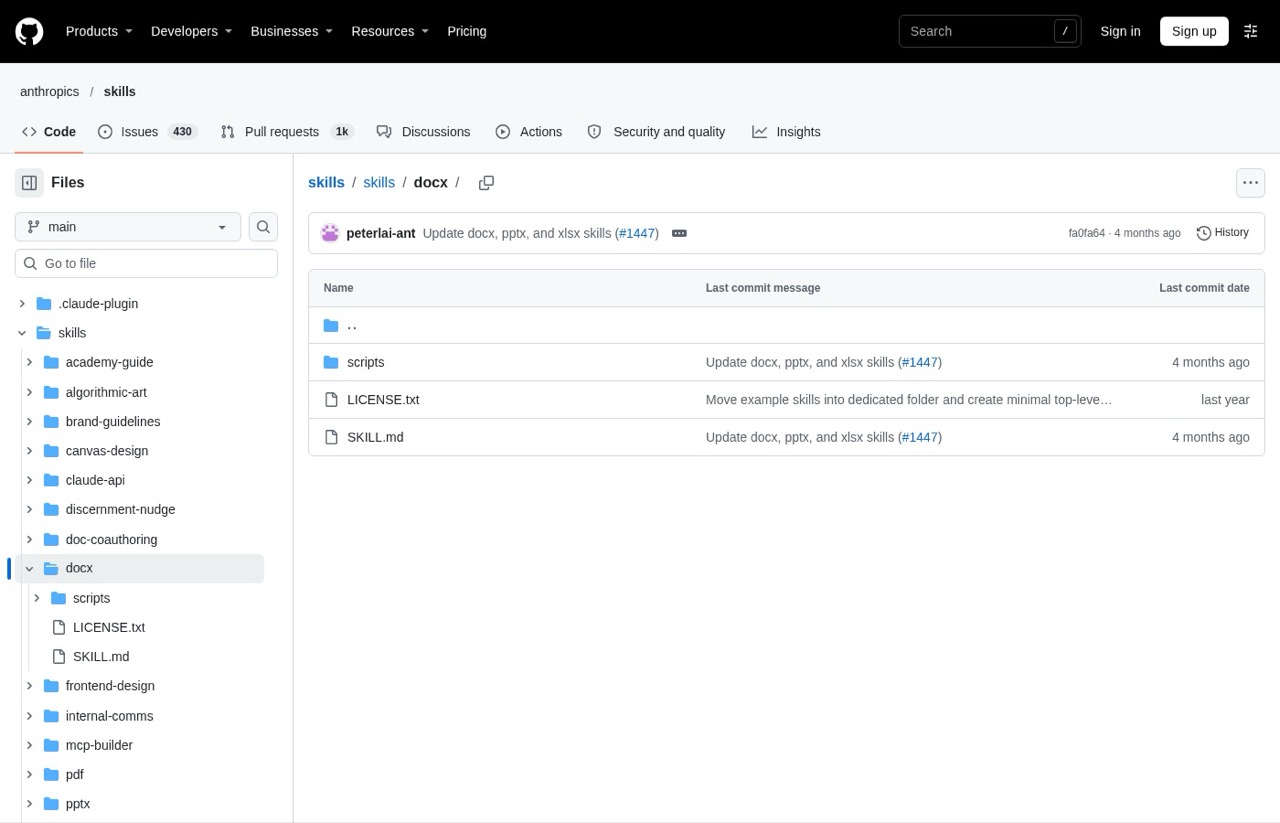
These four skills (Word, Excel, PowerPoint and PDF) are what let Claude hand you an actual .docx, .xlsx, .pptx or PDF instead of a wall of text you have to format. Anthropic says they power Claude's own file creation. For a marketer, that means client reports and pitch decks come out as files you can send.
Pros:
- Built into Claude for every user, including the Free plan, once code execution is switched on
- Work across Claude.ai, Claude Code and the API
- The most practical skills here for people who live in spreadsheets and slide decks
Cons:
- You can read them, but you can't freely remix them (the license is source-available)
- They ship with no brand styling, so for styled decks you'd supply your own template
Best for: Agency owners and marketers who send reports, decks and spreadsheets every week.
Pricing: Free, included with Claude.
Free trial: Not needed, it's free.
Install: In Claude Code, add them with /plugin marketplace add anthropics/skills and then /plugin install document-skills@anthropic-agent-skills.
Bottom line: You probably already have these. Turn them on and ask Claude for the deck or the spreadsheet itself.
3. Marketing Skills by Corey Haines (Best Free Marketing Library)
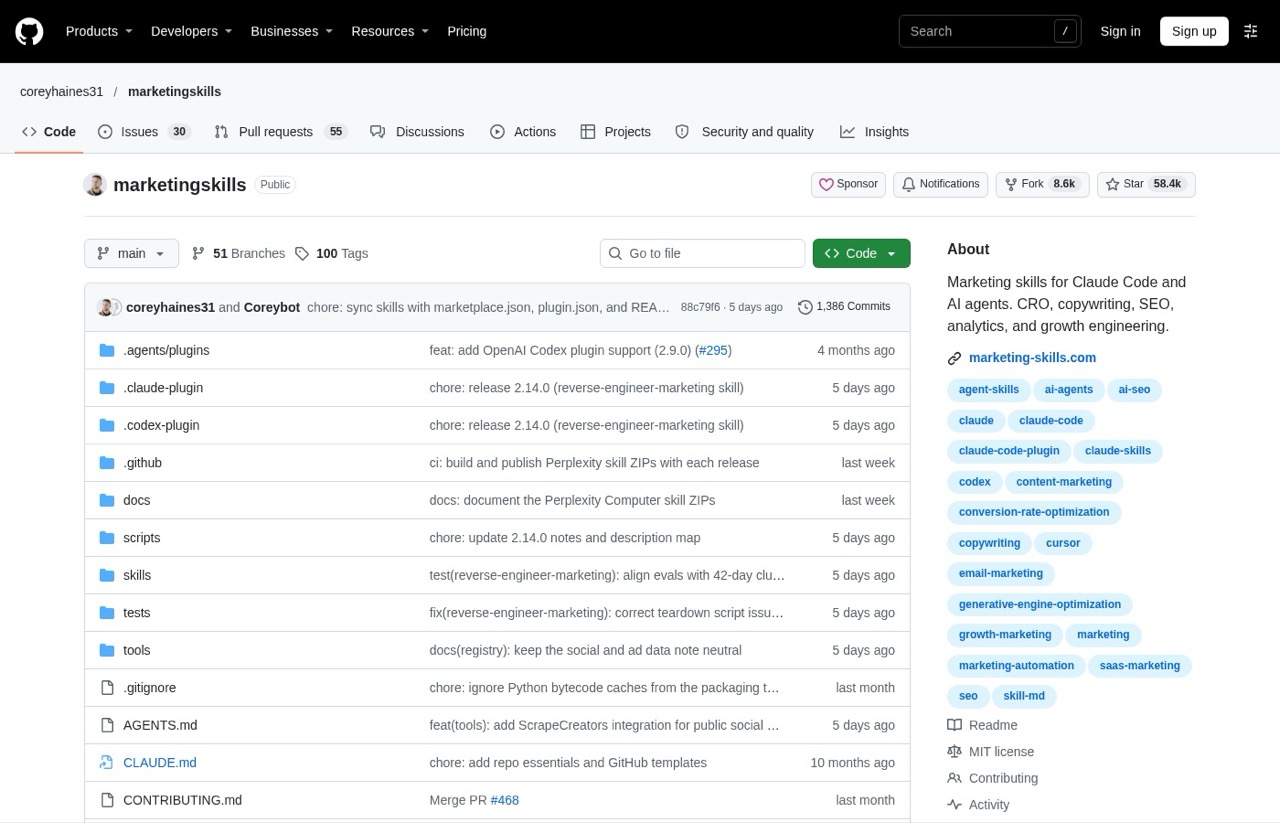
Corey Haines' Marketing Skills is a free library of 53 skills covering CRO, copywriting, SEO, analytics, email and ads, from a marketer who learned to code. The repo shows about 58,000 GitHub stars. I ran its ai-seo skill on my own best GitHub repos for marketing post, and its top fix was blunt: take my own repo out of my ranked list. Its reasoning was that answer engines treat a self-ranked list as a trust problem.
Pros:
- Covers almost every marketing job, from a landing-page teardown to a paid ads brief
- You can install only the skills you want instead of all 53
- Comes with a companion guide for marketers new to the terminal
Cons:
- Installing all 53 at once is a lot to load (see the install tip below)
- When I ran it, it judged my page from the page itself. It couldn't check live AI answers, so treat its scores as opinions
Best for: Marketers who want a broad starter library before building their own skills.
Pricing: Free.
Free trial: Not needed, it's free.
Install: npx skills add coreyhaines31/marketingskills --skill cro copywriting installs just those two. Drop the --skill part to get all 53.
Bottom line: The best free place to start for marketing work. Pick five skills to start.
4. Frontend Design (Best for Landing Pages)
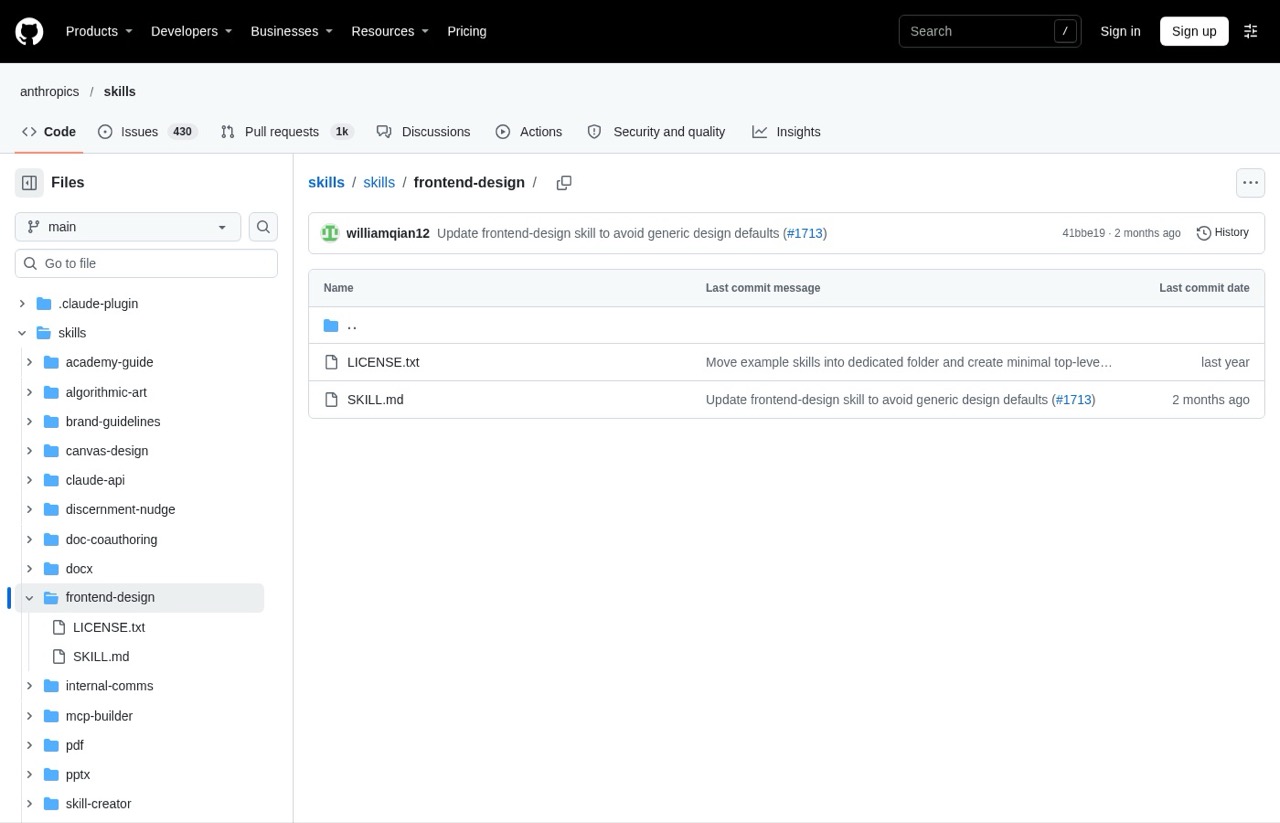
Ask Claude for a landing page without this and you tend to get the same template look everyone else gets. Frontend Design tells Claude to work like a design lead: pick a real point of view and avoid the defaults that scream "generated." I use it on my site redesigns. If building pages this way is new to you, start with my guide to Claude Code landing pages.
Pros:
- Pushes Claude away from the templated "AI website" look
- When your brief doesn't name the subject or audience, it has Claude work that out and check with you first
- Lives in the same Anthropic repo as Skill Creator, so it gets maintained
Cons:
- It shapes the design, not the offer or the copy, so conversion still depends on you
- Its opinionated choices sometimes clash with an existing brand guide, so feed it yours
Best for: Marketers building landing pages, lead magnets or small sites with Claude.
Pricing: Free.
Free trial: Not needed, it's free.
Install: In Claude Code: /plugin install frontend-design@claude-plugins-official.
Bottom line: If Claude touches anything visual for you, install this one.
5. Humanizer (Best for Cleaning Up AI Writing)
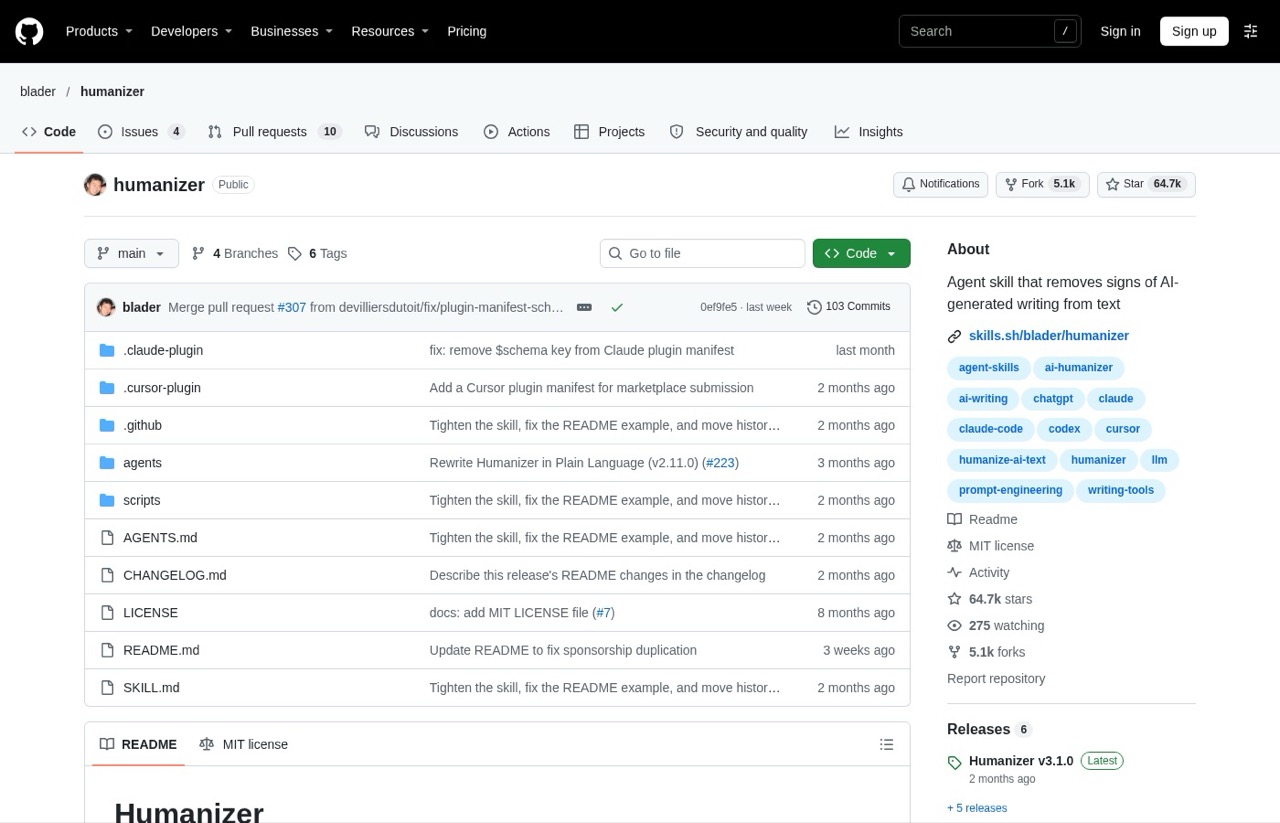
Humanizer rewrites the AI slop patterns that make AI text obvious, like "not just X, it's Y" lines and one-line closers. It checks for 26 patterns built on Wikipedia's own guide to spotting AI writing. Its README says it edits for human readers, not to beat AI detectors, which I respect.
I run my own skill for this job instead. My Anti-Slop skill is a free download, and it flags overused phrases and structural red flags, then rewrites them. Humanizer has the bigger following, at about 64,700 GitHub stars.
So I ran both on the June intro of this post. Each caught the "This list is different" line and the repeated "every time." Humanizer kept more of my original voice and explained what it left alone and why. Anti-Slop flagged eight issues and cut harder, and its rewrite read choppier.
Pros:
- Clear before-and-after examples, so you can see what it changes
- Rewrites the worst tells on sight and only flags weaker ones when several pile up
- Installs in Claude Code with two commands
Cons:
- It cleans up writing. It can't add the opinion or proof a generic draft is missing
- Gentler than a strict checker. It kept one "instead of" contrast on purpose to keep my framing, which Anti-Slop would have cut
Best for: Anyone publishing AI-assisted content under their own name.
Pricing: Free.
Free trial: Not needed, it's free.
Install: In Claude Code: /plugin marketplace add blader/humanizer, then /plugin install humanizer@humanizer.
Bottom line: In my one test, it kept my voice better than my own skill did. Worth a run on your next AI draft.
6. Grill Me (Best for Pressure-Testing a Plan)
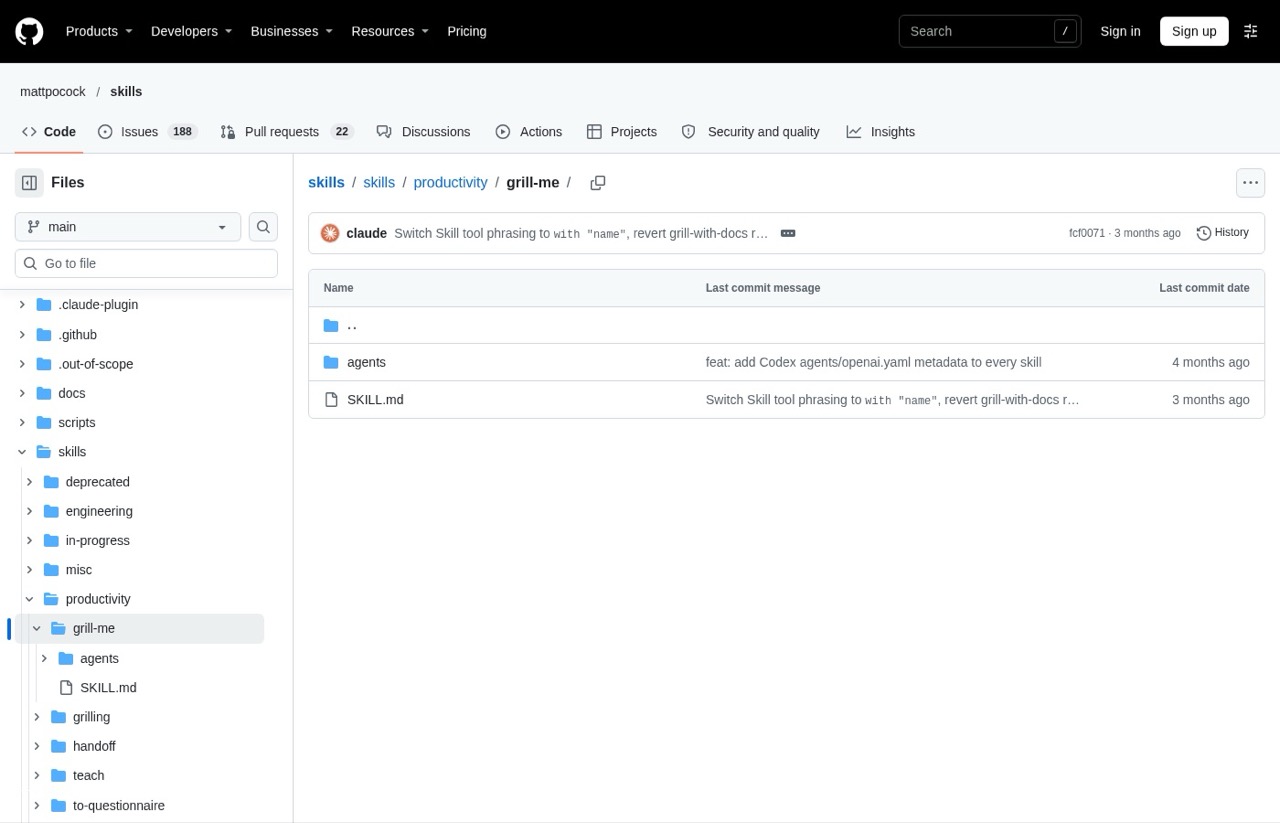
Grill Me interviews you about a loose idea until you can commit to it, instead of answering. Matt Pocock wrote it for engineers, but his own docs say the subject can be a business call or a piece of writing. That makes it a strong fit for a campaign plan, an offer or a content strategy before you spend a week on it.
Pros:
- Asks questions in rounds, so (per its docs) it doesn't ask something that depends on an answer you haven't given
- Writes no files and needs no project folder. It works on any idea
- Comes from a free repo that also ships a handoff skill for moving a long chat into a fresh session
Cons:
- It only runs when you type
/grill-me. Claude won't reach for it on its own - The quick install adds Matt's whole collection. To keep it lean, add just Grill Me and the one skill it depends on (grilling)
Best for: Marketers who start projects before the brief is clear.
Pricing: Free.
Free trial: Not needed, it's free.
Install: In Claude Code: claude plugin install mattpocock-skills@claude-plugins-official.
Bottom line: Run it before you build, while changing the plan is still cheap.
7. Superpowers (Best for Building Software)
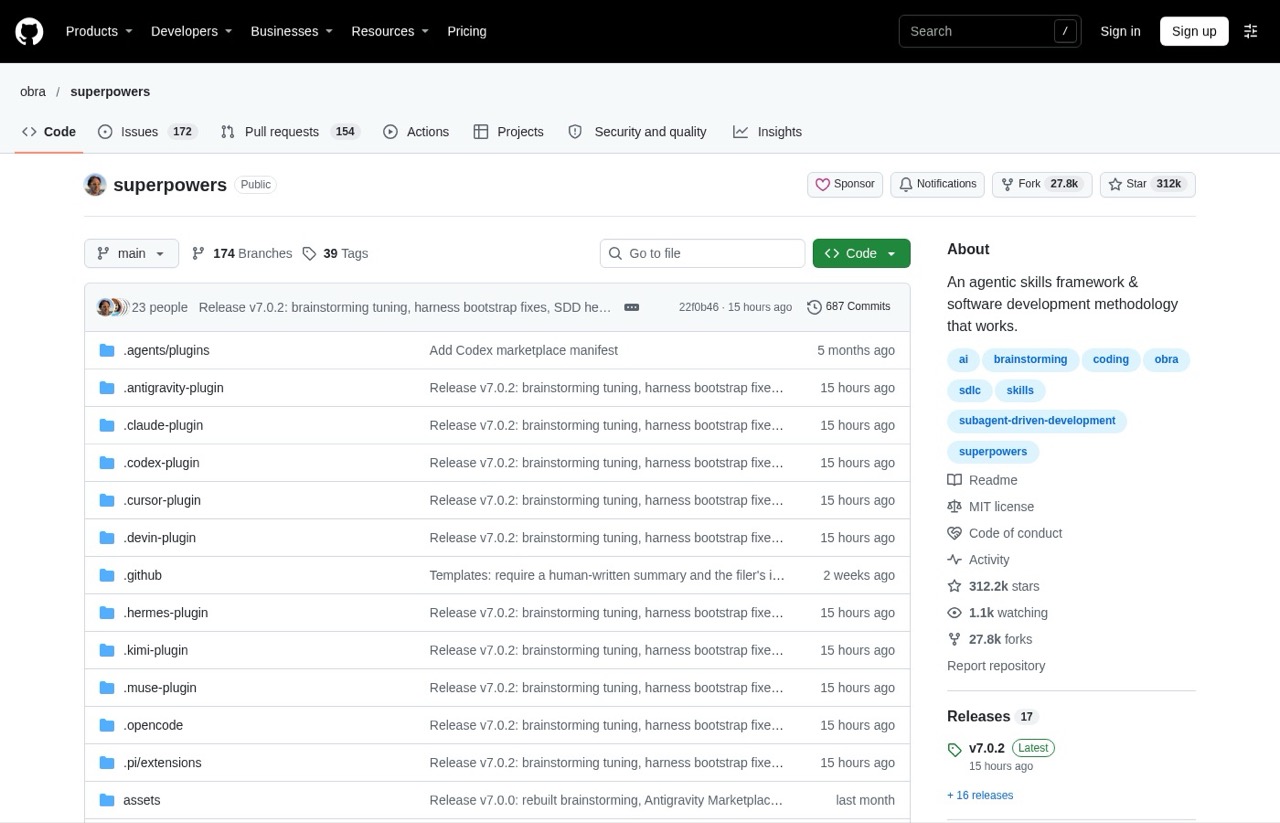
Superpowers tied with the document skills as the most-named pick here, showing up in 8 of the 12 AI answers. Jesse Vincent built Superpowers as a full software development method: it brainstorms what you want, writes a plan, works on a separate copy of your project so nothing breaks, tests as it goes and reviews its own work between tasks.
Pros:
- A full development method in one free install, from brainstorm to code review, at about 312,000 GitHub stars
- Its brainstorming step kicks in before Claude writes anything, which is meant to stop wasted work
- Available in Anthropic's official plugin directory and on many other coding agents
Cons:
- Built around software projects. For writing or campaign work, most of it sits unused
- A heavy process for small tasks. Not every edit needs a plan, a branch and a test
Best for: Marketers who build their own tools, sites or automations in Claude Code.
Pricing: Free.
Free trial: Not needed, it's free.
Install: In Claude Code: /plugin install superpowers@claude-plugins-official.
Bottom line: The best skill here for building software, and the wrong first install for everyday marketing.
8. Firecrawl (Best for Live Web Research)
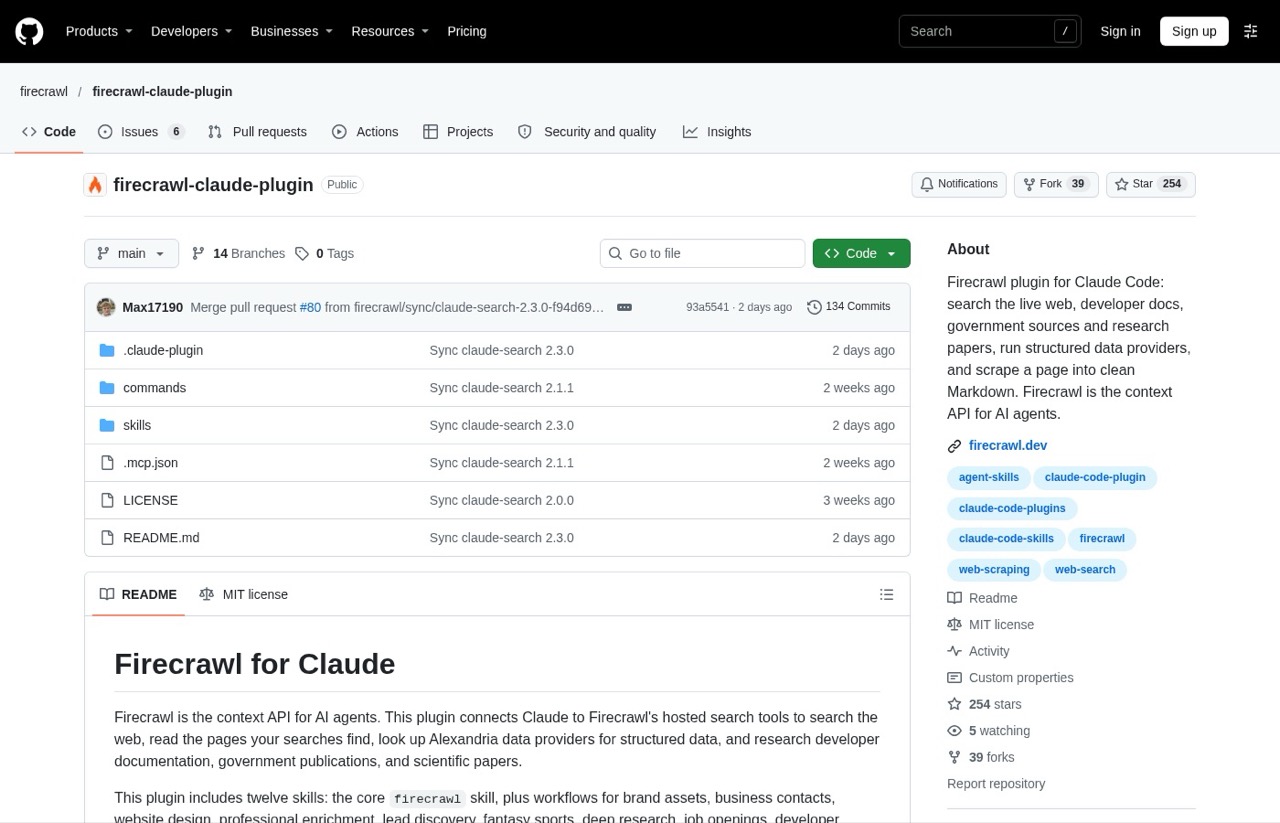
Firecrawl's Claude plugin gives Claude live web access: search, read pages and pull clean text from sites that break a basic fetch. Version 2 bundles twelve skills, including brand assets, lead discovery, deep research and SEO audits. It's the pick built around live web data, which is why it makes the list for competitor and market research. If SEO is your main job, I ranked Claude skills for SEO separately.
Pros:
- Turns "go read these five competitor pages" into one request
- Twelve ready-made research workflows in one install
- Works in Claude.ai and Cowork as an uploaded plugin, not only in Claude Code
Cons:
- Needs a Firecrawl account, and heavy research burns credits fast
- Setup takes two steps: install the plugin, then connect your Firecrawl account. My guide to setting up MCP servers in Claude Code covers the second step
Best for: Marketers who research competitors, prospects or SERPs every week.
Pricing: Free plan with 1,000 credits a month. Hobby is $19 a month billed monthly ($16 a month billed annually) for 5,000 credits.
Free trial: The free plan needs no credit card.
Install: In Claude Code, open /plugin, search for firecrawl and install it, then connect your account with /mcp. In Claude.ai, upload the plugin under Customize, then Plugins.
Bottom line: Worth it the moment your work depends on fresh web data. Skip it if it doesn't.
Where My Own Skills Fit
The first version of this post, back in June, filled half its spots with my own skills. I pulled them out of the numbered list, because ranking my own products is the same trust problem that Marketing Skills test flagged.
Crosscheck sends a question to a second model and shows where the answers split. Auto-Improve patches a skill after the same mistake repeats. MCP Setup walks a non-coder through connecting a tool. They ship in my Claude Code Skills Stack, 60+ skills built from a decade of client marketing work, and you don't need them to start.
Popular Claude Skills I Left Out
Plenty of the most popular Claude Code skills are for engineers, and they're left out on purpose. Vercel's agent skills (React best practices and deploy helpers), Trail of Bits' security skills, code simplifiers and test-driven development skills all rank well for good reason. They just don't help with a campaign brief.
Same goes for Anthropic's MCP Builder, which was on this list in June. It's for building your own connections to outside tools, which most marketers never need to do. Playwright MCP shows up on a lot of these lists too, but it's a browser connection. It's covered in the plugins post.
Two more names came up when I checked Google's results for this search. Caveman makes Claude's chat replies short and stripped-down to save tokens, while leaving files and documents it writes in normal language. It's built for long coding sessions, not for marketing work.
Handoff turns a long chat into a summary you paste into a fresh session. Matt Pocock's repo ships one, and I use my own version to carry work from one session to the next.
How to Choose Your First Claude Skill
Ask these before you install anything:
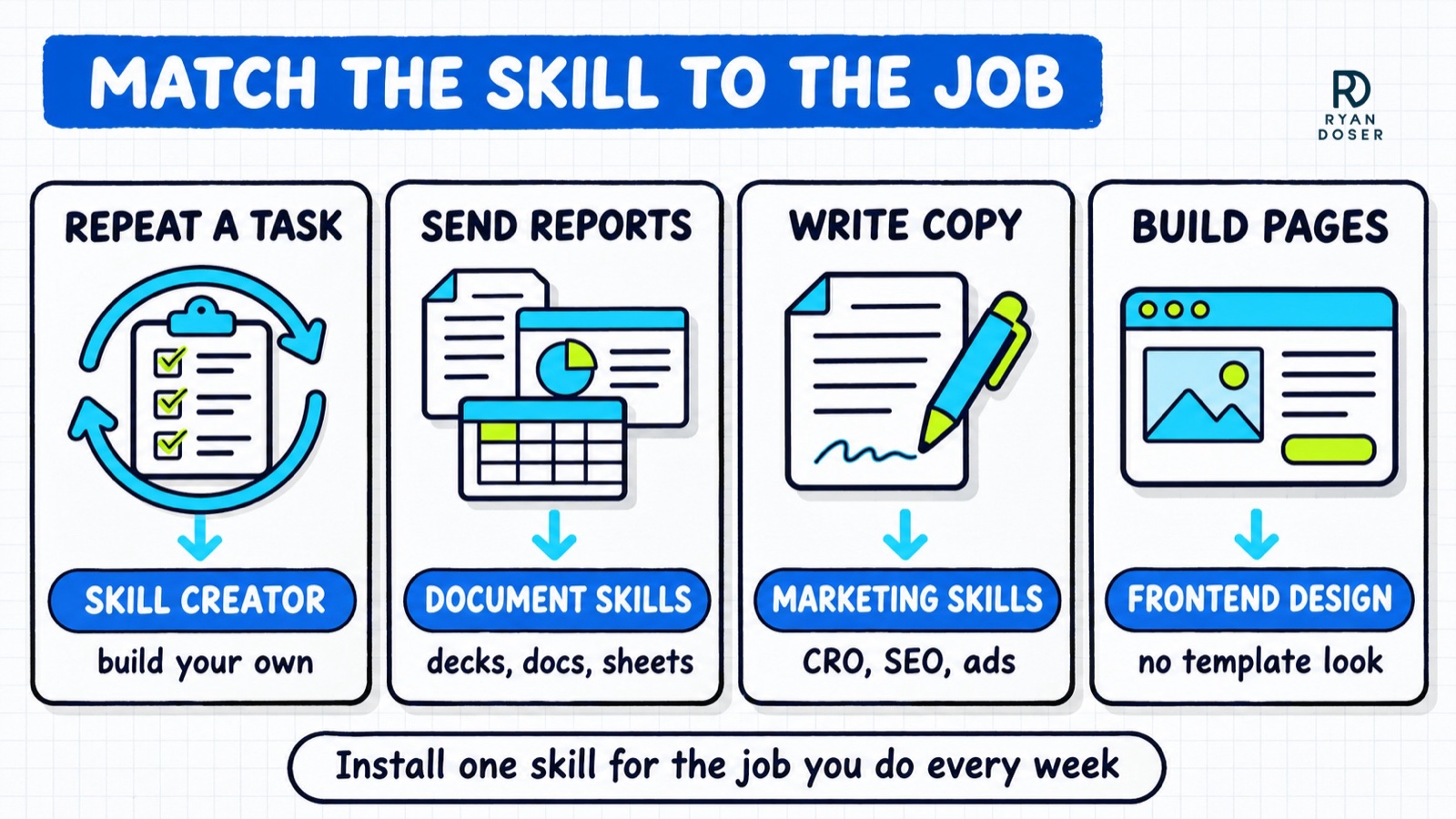
- What do you repeat every week? Start with the skill that covers that job, or build it with Skill Creator.
- Where do you work? Claude.ai users should start with the built-in document skills. Claude Code users can install anything here. My Claude AI vs Cowork vs Code breakdown helps if you're not sure which you need.
- Does it need an account? Firecrawl does, with a free plan before you pay. Everything else here is a free file.
- Who wrote it, and is it maintained? Check the last update on GitHub before you trust it.
- Did you read it? Skills can include scripts. Open the SKILL.md and skim it before you install.
How to Install Claude Code Skills (and Use Them in Claude.ai)
In Claude.ai, go to Customize, then Skills, to turn on Anthropic's example skills or upload your own. Code execution has to be on for any skill to work.
In Claude Code, you have three routes. Use /plugin install for anything in a plugin marketplace (I mapped where those marketplaces live in my Claude skills marketplace breakdown). Use npx skills add for repos like Marketing Skills. Or drop a skill folder into ~/.claude/skills/ for all your projects, or .claude/skills/ for one project.
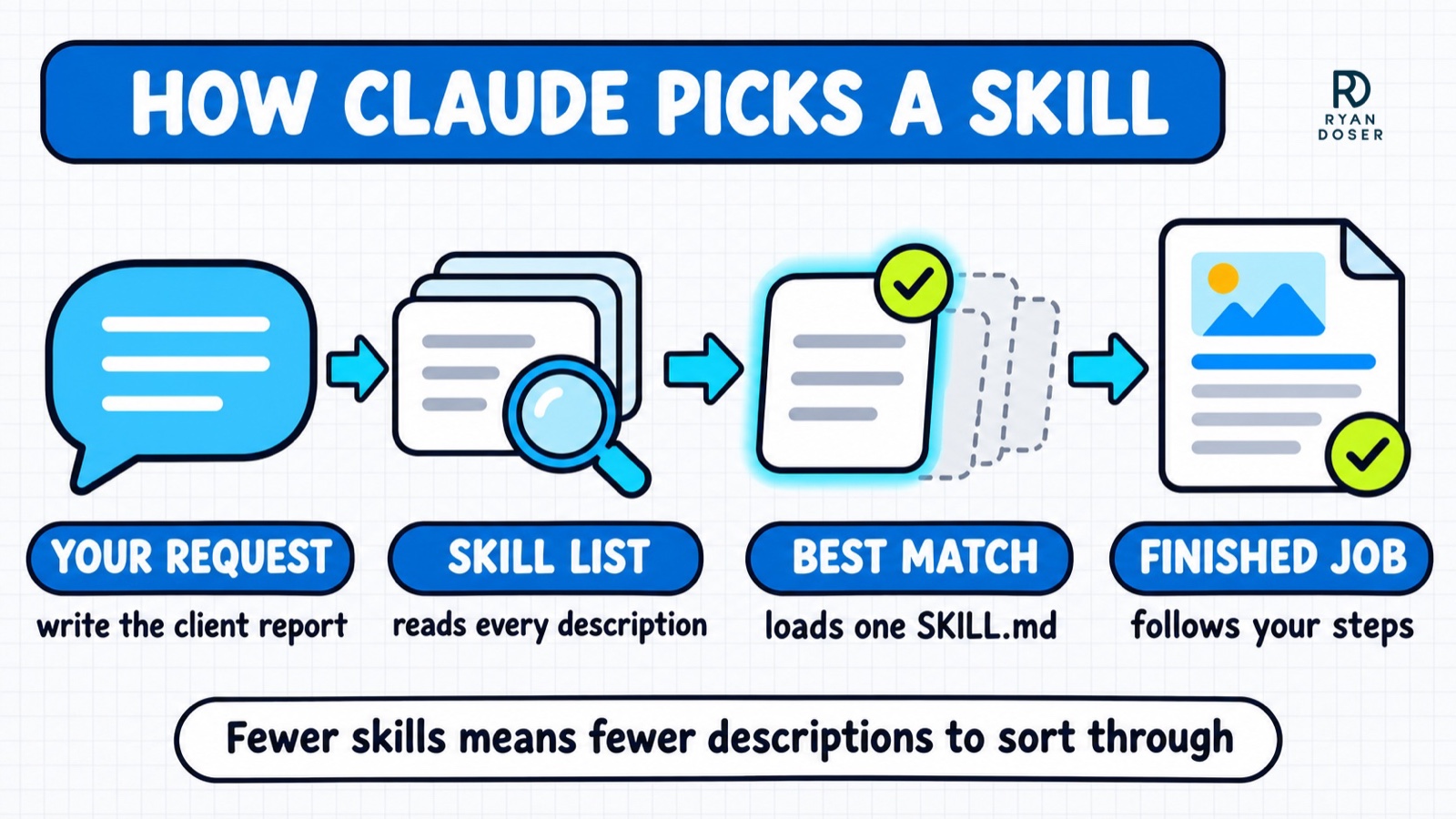
Don't install twenty at once. Every skill you add is one more thing Claude has to sort through, and the free repo collections I ranked in best free Claude skill repos make it easy to overdo.
Start With One Skill You'll Run This Week
Pick the skill you'll actually run on Monday. Begin with Skill Creator and the document skills you probably already have, then add one more for the job you do most, usually Marketing Skills or Frontend Design.
Install one, use it for a week, then add the next. When you start writing your own, these Claude skills best practices keep them reliable. And if you can't decide whether to build or buy, my three-question build-or-buy test settles it.
Best Claude Skills FAQs
What are the best Claude Code skills?
For marketers, start with Skill Creator and Anthropic's document skills, then add Corey Haines' Marketing Skills or Frontend Design for the job you do most. Add Superpowers (tied for most-named, in 8 of 12 AI answers I checked on November 4, 2026) if you build software. I use Frontend Design, ran Marketing Skills and Humanizer on my own pages and run my own Skill Creator. The rest I assessed from their repos and docs.
Do Claude skills work in Claude.ai or only in Claude Code?
Both. In Claude.ai you turn them on under Customize, then Skills, with code execution on, and they work on every plan, including Free. Anthropic's Word, Excel, PowerPoint and PDF skills are built in for all users. Skills that read and write files in a project folder are more useful in Claude Code, where Claude has a workspace to act on.
Are Claude skills free?
Most are: seven of the eight here cost nothing to install or run. Firecrawl has a free plan with 1,000 credits a month, then paid plans from $19 a month, checked November 4, 2026. You don't need a paid skill pack to start.
What is the difference between a Claude skill and a plugin?
A skill is one playbook: a folder with a SKILL.md file that teaches Claude a single job. A plugin is a package that can install several skills at once, plus slash commands and app connections. Superpowers, Firecrawl and Frontend Design all install as plugins, but what you get inside is mostly skills.
How many Claude skills should I install?
Fewer than you think. Start with the two or three above that match jobs you do every week, and add more only when a task keeps coming back. Claude reads each installed skill's description to decide when to use it, so a long list just means more for it to sort through.
Disclosure: Anti-Slop and the Skills Stack (Crosscheck, Auto-Improve, MCP Setup) are my products. No affiliate links, no paid spots. I've run Frontend Design, Marketing Skills, Humanizer and my own Skill Creator. The rest were assessed from repos and docs. Prices checked November 4, 2026.